
TLDR; This article looks at four budget-friendly marketing tools, ChatGPT, Canva, Buffer, and HubSpot, and shows how each one helps with a different small-business need. ChatGPT is a solid, low-cost choice for writing and coming up with ideas, which is likely the main reason people pick it. It’s simple, useful, and that can be a real plus when someone is just starting out.
Canva makes visual design feel easy in a truly helpful way. Buffer helps with staying consistent on social media, while HubSpot usually stands out most for CRM and marketing automation. Often, the better choice depends on the biggest bottleneck in the business, instead of jumping into an all-in-one platform too early.
For many beginners, a simple stack like ChatGPT, Canva, and Buffer often gives strong value. HubSpot usually works better later, once lead tracking and automation matter more as the business grows.
Marketing a business with almost no budget can get frustrating fast. There’s content to write, emails to send, social posts to plan, graphics to make, and some way to keep everything from turning into a mess. So it makes sense that more small business owners are looking for affordable AI tools for marketing that are actually useful without eating up the little money they have.
This guide covers four well-known options that work for beginners, side-hustlers, affiliate marketers, and small online business owners: ChatGPT, Canva, Buffer, and HubSpot. Each tool handles a different part of the job, and they’re not made for the exact same kind of work. Some are more useful for writing, Canva is the clear pick for design, and others are better for scheduling or automation.
For small marketers, flashy AI features are not the main issue right now. What matters more is whether a tool saves time, cuts costs, and helps keep content going out on a regular basis. If the focus is building traffic, promoting affiliate offers, growing an email list, or working out how to make ChatGPT for business and other low-cost AI tools for marketing worth paying for, this guide should make the choice easier and help reduce trial and error.
What We’ll Cover
- ChatGPT
- Canva
- Buffer
- HubSpot
4 cheap AI marketing tools to check out
1. ChatGPT
At a Glance
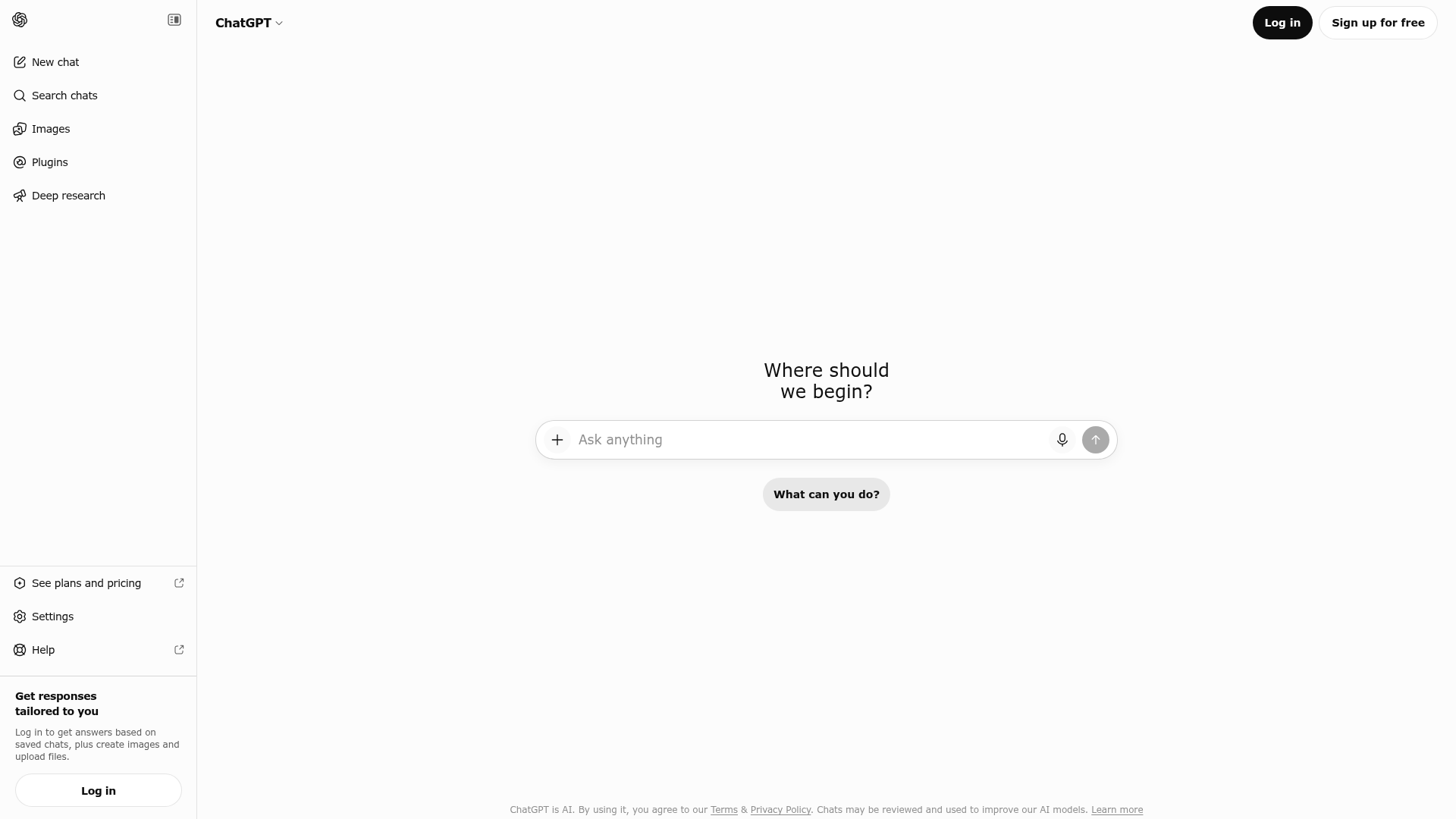
ChatGPT is one of the most flexible AI tools out there for small marketers. Made by OpenAI, which was founded in 2015, it can help with blog posts, emails, product descriptions, ad copy, lead magnets, and fresh content ideas when you start running low. It is not a full campaign manager, and it does not pretend to be. Still, it can handle a big share of the work that often slows beginners down. For anyone looking into ChatGPT for business, it is an easy place to start because of the free plan, while the paid version is still fairly affordable.
Core Features
- AI writing for blog posts, emails, ads, and product copy
- Brainstorming content ideas, campaign angles, and message directions
- Help with outlines, hooks, and call-to-action writing
- Rewriting content, repurposing it for different platforms, and changing tone
- Research help and summaries
- Basic image generation and workflow help on supported plans
Pros
- Low-cost entry: Free plan available, with a Plus plan around $20 per month
- Very flexible: Useful for email, blogging, social media, and affiliate content
- Beginner-friendly: Even simple prompts can give you usable results
- Big time saver: Handy for first drafts, variations, and testing ideas
- Useful for email marketing: Can quickly help with welcome emails, sequences, and subject line variations
Cons
- Needs editing: Output still needs fact-checking and a human voice pass
- No full automation system: It does not replace email software, CRM tools, or schedulers
- Can sound generic: Weak prompts can lead to bland copy
Who It’s For
ChatGPT works especially well for beginners, bloggers, affiliate marketers, and solo business owners who need help creating a lot of written content. For many people, writing is the real bottleneck, so a tool like this can offer strong value without a high cost. If the hardest part is getting from an idea to a rough draft, this is usually a strong match.
Unique Value Proposition
Its biggest strength is the range of marketing tasks it can help with in one session. It can help plan a lead magnet, write a welcome sequence, draft social captions, or rewrite a landing page headline without making you switch between tools. That range is a big part of the appeal. For many beginner marketers, the benefit is not just speed. It is also having something solid on the page to shape and improve instead of starting from nothing.
Pricing: Free plan available; Plus plan around $20/month
Website: https://chatgpt.com/
Many small marketers start using AI for writing because content usually takes up a big share of their time. ChatGPT fits that need well. It can help with hooks, subject lines, first drafts, and rough versions of ideas. The best results usually come after you review the output, refine it, and make sure the final message sounds human.
For readers focused on affiliate content creation, this guide to Best AI Writing Tools for Affiliate Content also compares beginner-friendly writing platforms that work well alongside ChatGPT.
2. Canva
At a Glance
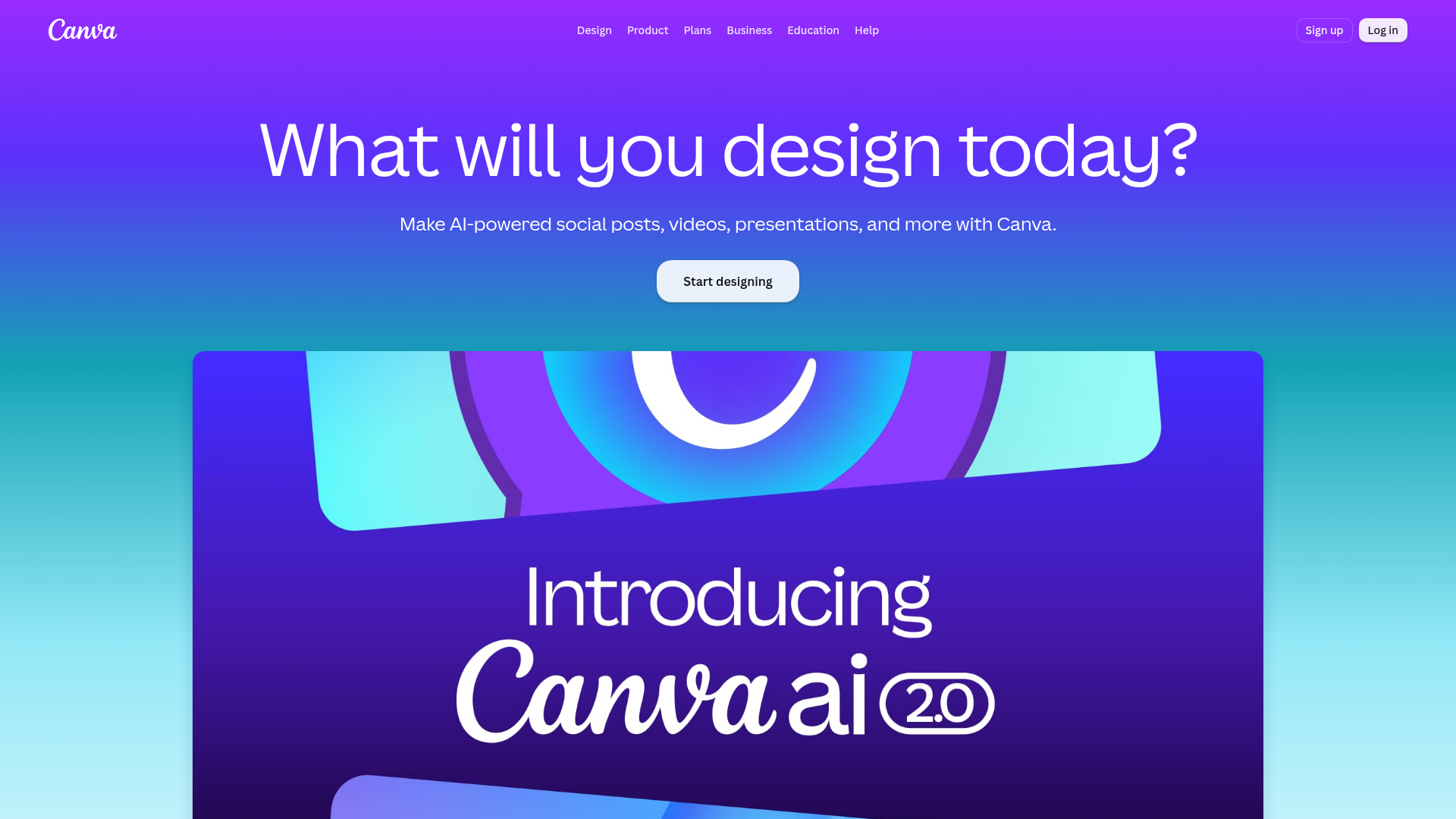
Founded in 2013, Canva gives marketers an easy way to create visuals without hiring a designer. Its AI features in Magic Studio include image generation, background editing, resizing, and general design help, which makes everyday creative work much easier. It’s a good option for anyone who wants to make things quickly without getting stuck in complicated software.
For marketers with smaller budgets, Canva is especially useful because visual content is needed everywhere: social media, blog graphics, landing pages, and affiliate promos. It’s not trying to be a full marketing automation platform, and that’s okay. For creative production, it gives you a lot for a fairly low monthly cost.
Core Features
- Drag-and-drop design editor
- AI-assisted tools inside Magic Studio
- Social media graphics, ad creative templates, and other ready-made layouts
- Presentation and video creation
- Brand kit for colors, fonts, and keeping things consistent
- Background remover and image editing
- Resize tools for multiple platforms
Pros
- Great for non-designers: Easy to learn and quick to use
- Strong free plan: You can create quite a bit before paying
- Huge template library: Useful for social posts, lead magnets, ads, and more
- Useful for affiliate promotion: Makes simple promo graphics and thumbnails easier
- Good value: Pro costs much less than hiring creative help
Cons
- Not full automation: It helps create content, but it doesn’t run full campaigns
- Some AI tools are locked: Better features come with Pro
- Designs can look repetitive: Heavy template use can make a brand feel generic
Who It’s For
Canva is a good fit for side-hustlers, content creators, affiliate marketers, and small businesses that need polished visuals without a steep learning curve. If the goal is to look more professional fast, it’s a practical choice and usually easy to keep using.
Why Canva Helps Small Brands
Unique Value Proposition
Canva stands out because it makes visual marketing much easier to access. Beginners can create Pinterest pins, Instagram posts, simple ad creatives, eBook covers, and lead magnet PDFs in one place. It handles the kind of content small brands need all the time, without adding much hassle.
A lot of small businesses do not struggle because they lack ideas. The bigger problem is not publishing enough polished content on a regular basis. Canva helps remove that bottleneck, so it becomes easier to keep making visuals without spending hours on every design.
Pricing: Free plan available; Pro plan around $15/month
Website: https://www.canva.com/
3. Buffer
At a Glance
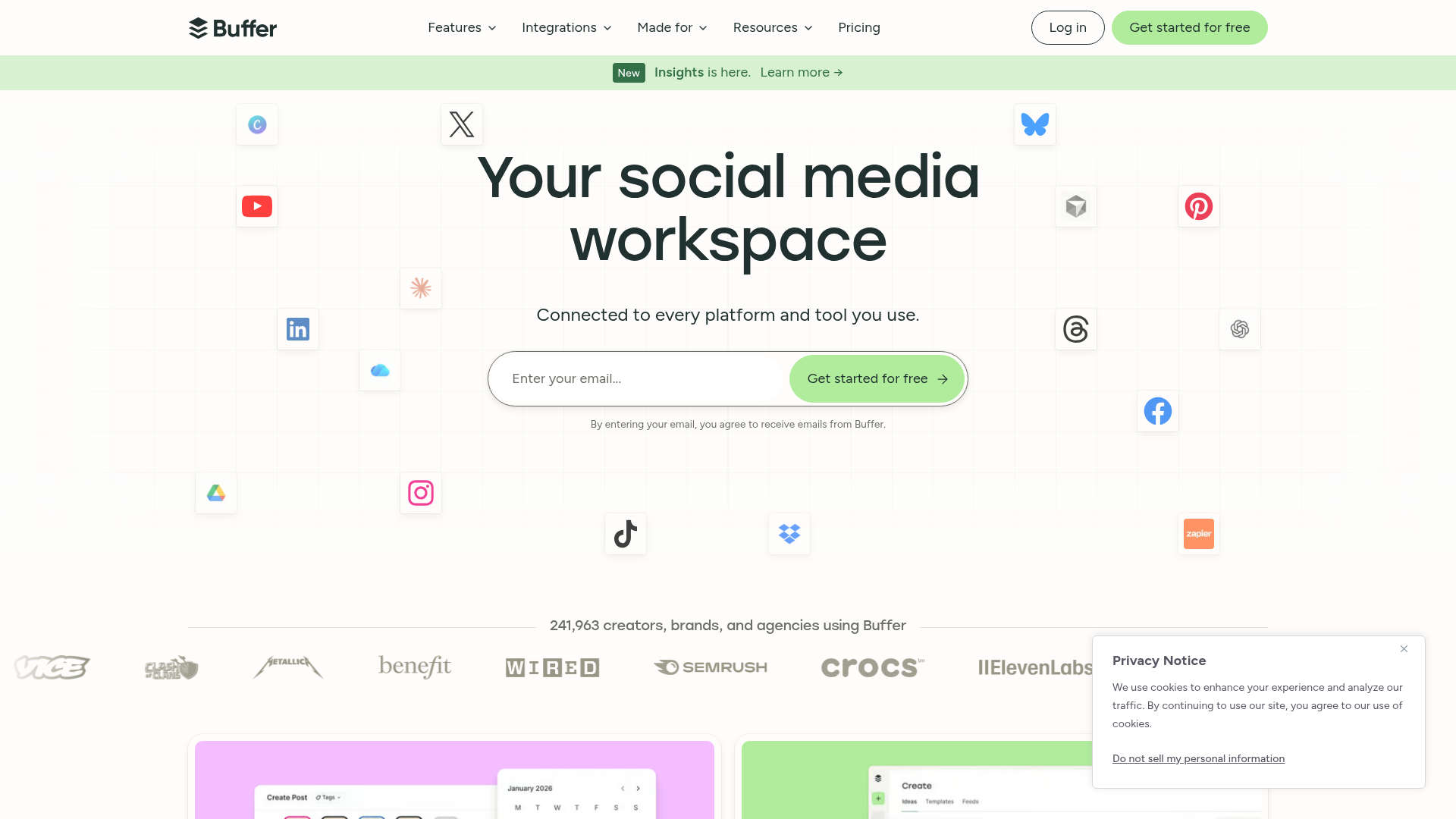
Buffer has been around since 2010 and still stands out as one of the simpler, lower-cost options for scheduling social media. The AI side is lighter than what dedicated writing tools offer, but it still helps with creating posts, planning ahead, staying consistent, and handling everyday publishing, which is really the main job it needs to do. Pretty practical.
It makes sense for marketers who already have content ideas and mainly want an easy system for posting across channels. If the hardest part is just staying active on social media, Buffer is one of the more practical marketing automation tools in the budget-friendly range, especially if extra clutter feels more annoying than helpful.
Core Features
- Social media scheduling and publishing
- Multi-channel posting and basic planning support
- AI assistant for captions and help with posts
- Content calendar and planning
- Basic analytics and performance tracking
- Team collaboration for simple workflows
Pros
- Affordable for small creators: Paid plans stay fairly low-cost per channel
- Easy to use: The dashboard is clean and doesn’t feel overloaded
- Helps with consistency: Useful for keeping social channels active over time
- Useful planning tool: You can batch posts and schedule them in advance
- Good for lean workflows: Fits well alongside ChatGPT and Canva
Cons
- Limited AI depth: It’s not as strong for writing as ChatGPT
- Narrow focus: It’s more about scheduling than full marketing management
- Costs add up: Adding more channels can raise the monthly total
- Less suited to bigger needs: It can start to feel limited if you want an all-in-one platform
Who It’s For
Buffer is a good fit for solopreneurs, creators, and small businesses that rely on regular social posting but don’t need a big enterprise platform. Setup is simple, and there usually isn’t much to deal with. It also works well if free traffic from social content plays an important role in the growth plan.
Keeping Social Content Consistent
Unique Value Proposition
Buffer works because it keeps social marketing simple. Beginners often do better with a lighter tool they’ll actually keep using instead of a big platform they never fully learn. If the goal is to build audience trust, send traffic to offers, or stay visible without being online all day, Buffer adds structure without pushing the price too high, which can make a real difference if costs are being watched closely.
Pricing: Free plan available; paid plans start around $5, $6 per channel/month
Website: https://buffer.com
4. HubSpot
At a Glance
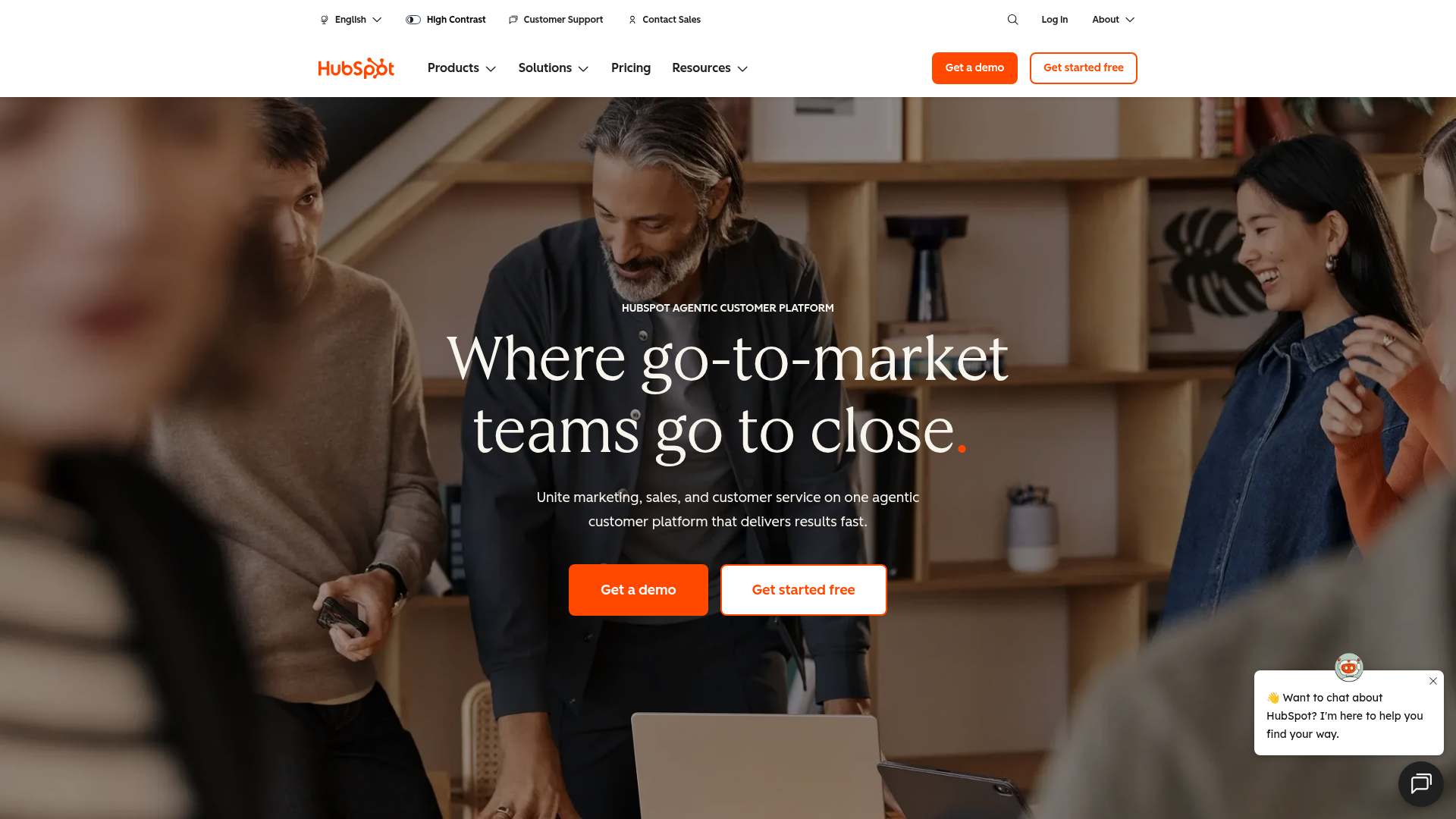
Founded in 2006, HubSpot stands out here as the strongest all-in-one option. It brings together CRM tools, email marketing, lead capture, landing pages, automation, reporting, and AI features in one place, which helps if your current setup is spread across too many separate tools. It is not the cheapest choice, and the cost can climb quickly once a business moves into the more advanced paid plans. Even so, the free tools give teams a way to try the platform before spending more. For businesses that have outgrown a patchwork set of apps, HubSpot can be a smart next step. If you need real marketing automation tools, not just simple content support, it deserves a close look.
Core Features
- CRM for contact and lead management
- Email marketing and automation tools
- Forms and landing pages
- Campaign management
- Reporting, analytics, and tracking
- AI-assisted content and workflow support
- Sales and marketing alignment tools
Pros
- All-in-one system: Combines several marketing functions in one platform
- Grows well: A strong fit for businesses growing quickly
- Strong automation: More useful for lead nurturing than simpler tools
- Useful reporting: Helps teams see which campaigns are working
- Free tools available: Lets users try the platform before spending more
Cons
- Can feel overwhelming: Beginners may find it complex at first
- More expensive over time: Paid plans can become costly fast as needs grow
- More than some users need: Can be too much for very small, content-only workflows
Who It’s For
HubSpot fits best with small businesses that are becoming more focused on systems. It works well for teams building lead funnels, setting up email automation, and tracking customers across the full journey, not only the first click. It is a weaker match for someone who just wants low-cost content support. If the needs are simple, the platform may feel bigger than necessary.
When Automation Starts Mattering More
Unique Value Proposition
HubSpot’s biggest strength is keeping things together. Forms, email, contacts, and campaign tracking can all live in one system instead of being stitched across different apps. That becomes more useful as a contact list grows and more people start moving through a real funnel, because the time savings become clear. At that stage, easier workflows and fewer disconnected tools may matter more than chasing the very lowest monthly price.
If email sequences are a major part of your workflow, this walkthrough on Setting Up Effective Email Automation Sequences in Systeme.io can help explain how smaller businesses approach automation without overspending.
Website: https://www.hubspot.com
How These Tools Compare Side by Side
Each tool covers a different part of marketing. If the main need is writing, ChatGPT is probably the clearest choice. If design work keeps slowing things down, Canva is the stronger option, and that can save time. Buffer tends to work best when the real issue is keeping social posts consistent. For lead capture, email, and tracking in one place, HubSpot usually makes the most sense.
| Company | Key Features | Pros | Cons | Pricing |
|---|---|---|---|---|
| ChatGPT | AI writing, brainstorming, rewriting, research help | Flexible, beginner-friendly, low-cost, fast content creation | Needs editing, not full automation, can sound generic | Free; Plus around $20/month |
| Canva | AI-assisted design, templates, brand kit, image editing | Easy for non-designers, strong free plan, great for visuals | Not full automation, some AI tools paid, template look can feel generic | Free; Pro around $15/month |
| Buffer | Social scheduling, AI captions, planning, analytics | Affordable, simple, helps consistency, good for creators | Limited AI depth, narrow focus, costs rise with more channels | Free; paid plans often start around $5, $6/channel/month |
| HubSpot | CRM, email automation, forms, landing pages, reporting | All-in-one, scalable, strong automation, useful reporting | Complex for beginners, pricier as you grow, may be overkill | Free tools; paid plans vary |
The table points to a simple point: there is no single best tool for everyone. The better choice depends on where marketing gets stuck first. For marketers on a small budget, it usually makes more sense to fix that first bottleneck before adding more tools. That also helps avoid paying for a big platform too early.
So Which One Should You Pick?
For overall value in content creation, ChatGPT is the strongest budget pick, and that choice is pretty straightforward. If a business depends on social graphics, promo images, or lead magnet design, Canva is usually the easiest fit. Buffer works best for staying active on social platforms without spending much, especially for anyone who posts often. HubSpot stands out most as the all-in-one choice for businesses getting more involved with email, lead capture, and workflow automation, even though the cost can go up as things grow.
Choosing Based on Your Biggest Bottleneck
For most beginners, starting small makes the most sense. Use one tool that solves the biggest day-to-day problem first. Add another only when the workflow really needs it, so there is less risk of piling on extra tools too early.
Build a Simple Marketing Stack That You’ll Actually Use
A common beginner mistake is picking up too many tools too early. A lean setup usually works better, and it’s a lot easier to keep up with. For example, ChatGPT can help write emails and blog posts, Canva works well for promo graphics, and Buffer is useful for scheduling social content and keeping things organized. It’s a simple, practical mix that gives you a good system without running up a big monthly bill. If lead tracking or more automation becomes necessary later, HubSpot can make sense once there’s room for more moving parts.
That matters even more for an affiliate business or software offers built on a tight budget. AI can absolutely speed up content creation, but results still depend on strategy, consistency, and knowing what the audience actually wants. Using the tools well matters just as much as having them. If the pieces don’t work together in a clear way, adding more software usually doesn’t fix much.
Learning More About AI Marketing Workflows
For beginner-friendly guidance on affiliate marketing, AI content workflows, email marketing, and free traffic methods, Internet Startup Class is a useful place to keep learning. The site focuses on practical ways to build an online business without a big upfront cost, which matters a lot at the beginning. Readers can also explore more step-by-step training on the online business education blog and see how these tools fit into real marketing workflows.
If trust and responsible messaging are important parts of your strategy, this article on AI Marketing Transparency and Trust Building in Digital Marketing explains how businesses can use AI tools for marketing without making content feel misleading or overly automated.
Frequently Asked Questions
What should I look for when choosing AI tools for marketing on a small budget?
Start with your biggest bottleneck. If writing slows you down, choose a tool like ChatGPT. If design is the issue, Canva may help more. Also look at ease of use, free plan quality, and whether the tool solves one clear problem well instead of promising everything.
Are free AI marketing tools enough for a beginner?
Often, yes. Many beginners can get solid results using free versions of ChatGPT, Canva, Buffer, or basic free tools from HubSpot. Paid plans become more useful once you need better output, more volume, extra channels, or automation.
How do I know if an AI marketing tool is actually working?
Track simple results like time saved, content published, email opens, clicks, leads, and sales. A tool is doing its job if it helps you produce more useful marketing without lowering quality. Internet Startup Class often covers practical ways to connect tools with outcomes, which is helpful if you are still learning how to measure progress.
How much should I expect to spend each month?
A beginner can often build a useful setup for under $40 per month. For example, a paid ChatGPT plan plus Canva Pro still costs less than many all-in-one platforms. Costs rise when you add more channels, advanced automation, or CRM features.
How long does it take to see results from marketing automation tools?
You can save time almost immediately, but business results usually take longer. Better content production might help within days, while email growth, traffic, and sales usually take a few weeks to a few months depending on your niche, consistency, and offer quality.
What kinds of businesses benefit most from these tools?
Small online businesses, affiliate marketers, coaches, creators, bloggers, and local service brands can all benefit. These tools are especially useful for people doing their own marketing and trying to grow without hiring a big team. If you are building from scratch and want simple walkthroughs, Internet Startup Class can help you understand how to apply these tools in an online income strategy.